 CROPPER
01 — ADOBE PREMIERE PROPr
Premiere Pro.
A focused Cropper panel for precise 9:16 and 1:1 reframing. Hand control, keyframes, In/Out and Project-bin delivery.
PROJECT-BIN WORKFLOWDiscover Premiere {arrow}
Reframe gym, dance, travel and podcast clips for Reels, TikTok and Shorts. Guide the crop with a finger on your phone, or use Cropper in Premiere Pro and DaVinci Resolve.
Mobile app available to download free. Compare Free and Pro plans →
Cropper brings hands-on vertical reframing to two professional workflows. Choose your editor and make the frame yours.
A focused Cropper panel for precise 9:16 and 1:1 reframing. Hand control, keyframes, In/Out and Project-bin delivery.
Purpose-built workflow integration with hand-guided motion, reframing keyframes, output control and Media Pool delivery.
Separate plugins with version-specific compatibility and workflows.
We built Cropper around a simple idea: the person making the story should decide what stays in the frame.
Original widescreen footage. Reframe with intention. Keep the moment that matters as you guide the frame.
See the mobile version ↗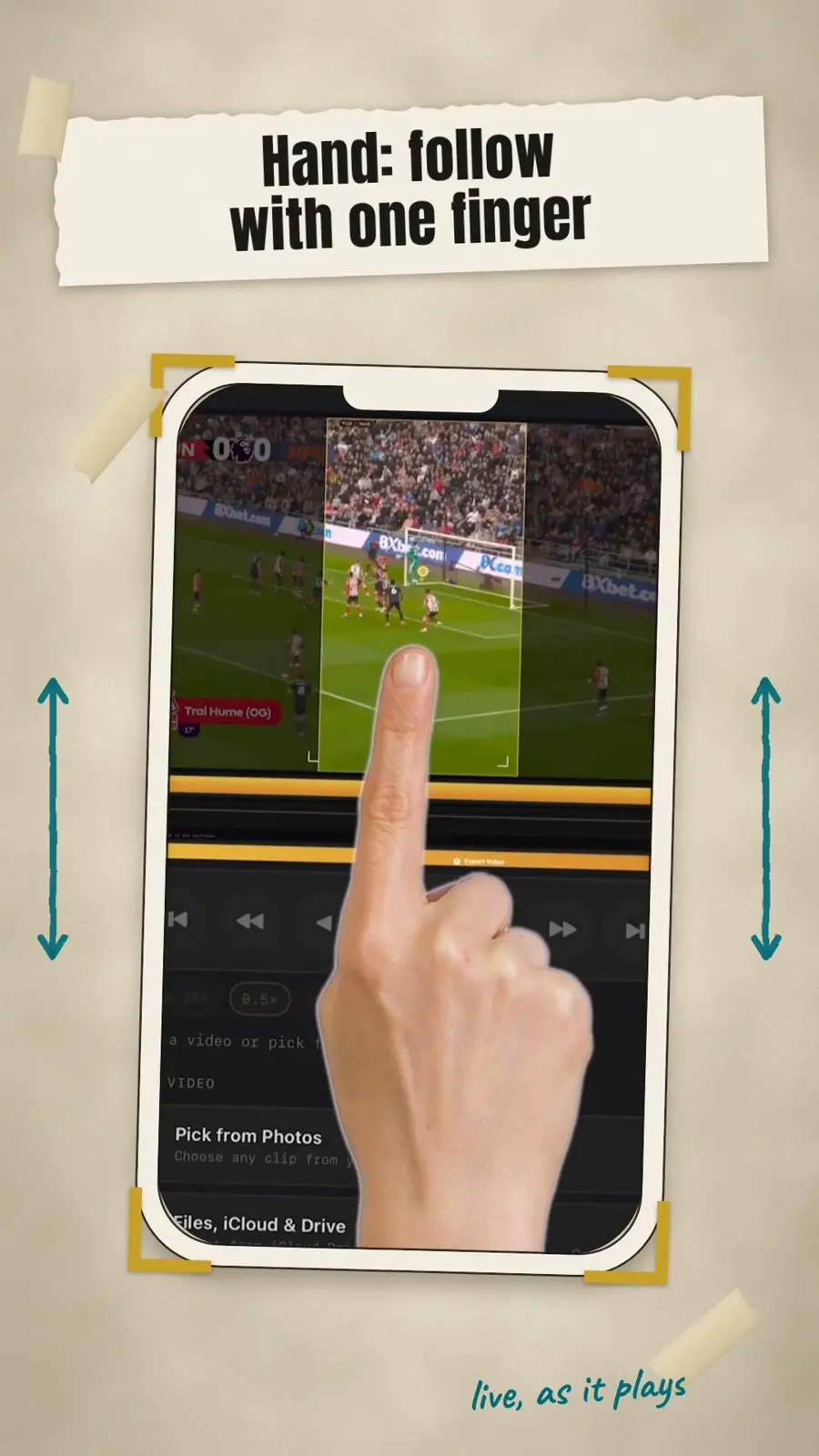 YOUR FINGER / YOUR FRAME
Recorded in the wrong shape? Play your clip, drag the crop until the subject stays in frame, and preview a vertical version before you share. No complicated timeline to learn.
Explore Cropper Mobile ↗From a wide shot to a focused vertical clip: drag the frame to keep your subject in view, preview the result, then export.
Choose the workflow that fits your footage and how you edit.
No. Cropper has a mobile editor and separate plugins for Premiere Pro and DaVinci Resolve. Features and purchases vary by platform.
Instead of relying only on a computer to follow motion, you decide what stays in frame and when the crop moves.
Mobile is designed around on-device reframing. Premiere delivers to the Project bin, while Resolve uses the Media Pool workflow.
Real editing advice, vertical-video ideas, release news, and behind-the-frame stories.
Explore the full journal ↗